One-page website examples, broken down block by block.
Study eight simple one page website examples for different goals. Open every live preview on desktop or mobile, then use the design notes to make better content choices.

Lead with identity, not a complete career archive.
This example opens with a name, specialty, and short point of view. Selected proof follows, then a small group of relevant links and a direct contact action.
Why it works
A new visitor gets a memorable introduction before being asked to evaluate details. The page feels personal without becoming an unstructured biography.
What to avoid
Do not place every social icon before the introduction or turn the page into an unfiltered list of past roles.
Let the work lead, then explain your role.
This portfolio example gives the strongest visual sequence priority. Project titles and short notes provide context, while a concise inquiry section waits until the visitor has seen the work.
Why it works
The layout supports both quick scanning and deeper evaluation. Images earn attention, but the brief and role make the contribution understandable.
What to avoid
Do not upload an entire archive, use huge uncompressed images, or hide all project information inside graphics.

Give one destination more weight than the rest.
This mobile-focused example puts the current release or campaign first. A short set of secondary links follows, with recognizable identity cues carried over from the social profile.
Why it works
Visitors coming from a specific post can continue that journey immediately, while other visitors still have a useful choice of destinations.
What to avoid
Do not give fifteen links the same visual emphasis or leave an expired campaign in the primary position.
Answer questions in the order a new visitor has them.
This launch example moves from the offer to concrete value, a visible demonstration, practical details, and FAQs. The same action returns after the visitor has enough information.
Why it works
The page does not demand action before explaining the offer. It builds understanding in a deliberate order and keeps one next step consistent.
What to avoid
Do not use several competing CTAs, generic benefit claims, or a fake countdown and invented customer ratings.

Make the invitation beautiful—and the details easy to find.
Botanical uses a quiet invitation composition for names, date, location, and RSVP. The decorative leaves support the mood without burying the practical information.
Why it works
Guests immediately understand whose celebration it is and what to do next. On mobile, the same centered hierarchy remains readable instead of shrinking a desktop split layout.
What to avoid
Do not let floral decoration replace the date, venue, travel guidance, or RSVP destination.

Explain the working relationship before the visual effects.
This service-led example introduces who the freelancer helps and what they make, then moves directly to a project inquiry. The structure suits an independent designer or consultant.
Why it works
A potential client can evaluate the offer without reading an entire career history. The page feels personal while keeping the working relationship clear.
What to avoid
Do not open with every tool, job title, or service you have ever offered. Keep the primary expertise and inquiry specific.

Put the next visit before the company history.
This café example combines a welcoming introduction with opening hours, location, and a menu action. It answers the practical questions a nearby customer has on a phone.
Why it works
The page supports a real visit instead of asking the visitor to study the brand first. Clear details make the design useful even before adding more sections.
What to avoid
Do not hide opening hours, address, menu, booking, or contact details below a long mission statement.
Set the professional tone without hiding the registration.
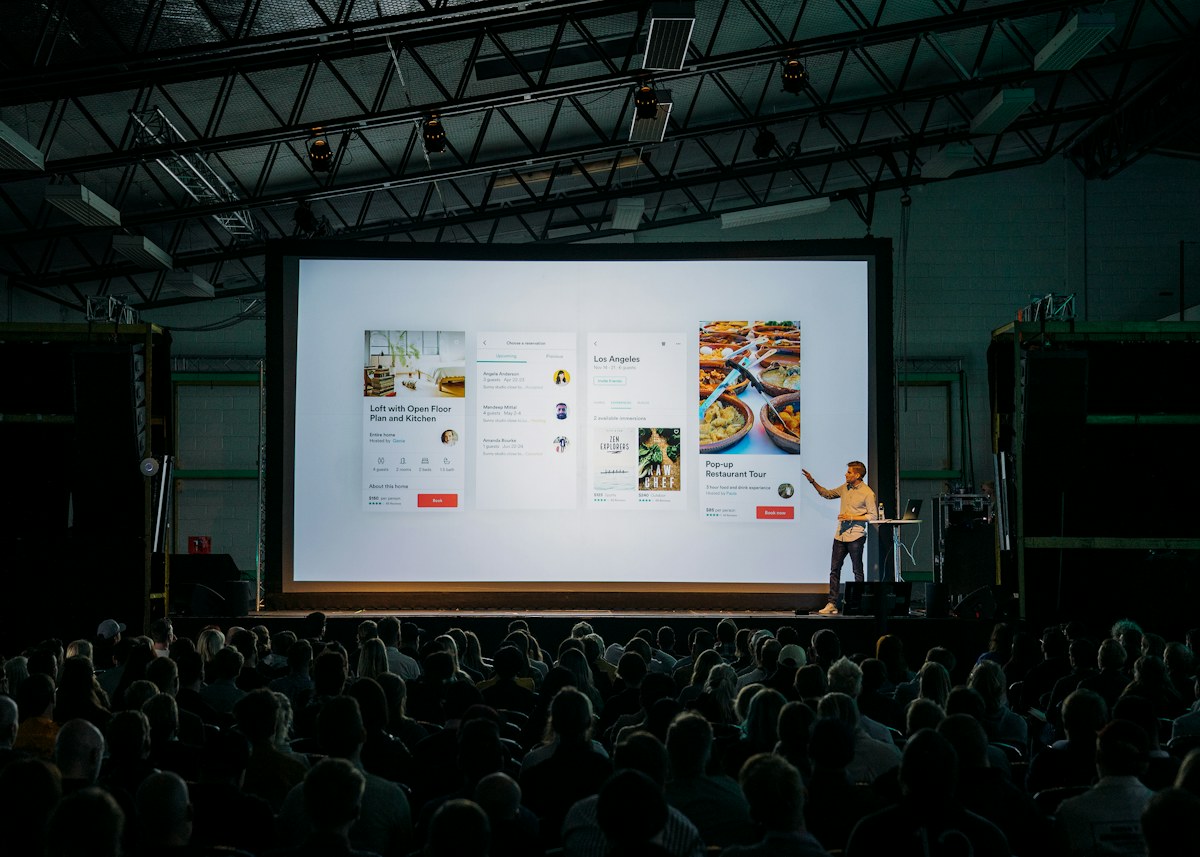
Event Conference pairs a strong event photograph with the theme, date, location, and pass action. The structure gives a conference personality while keeping the logistics prominent.
Why it works
A first-time attendee can understand the event promise and next step in one scan. The mobile composition moves the photograph and registration details into a natural vertical order.
What to avoid
Do not make visitors search through speaker bios or atmosphere copy for the date, time zone, venue, price, or registration link.
Good one page website design is mostly editing.
- One visually dominant action rather than several equal priorities
- Short sections with a clear reason to appear in that order
- Anchor navigation only when the page is long enough to need it
- A visual rhythm that separates ideas without hiding their connection
- Readable mobile type, buttons, images, and forms
Polish cannot rescue empty content.
A dramatic hero, smooth animation, or fashionable color palette will not make generic writing more persuasive. Start with real information and a specific next step, then add the visual treatment.
Follow the practical guideBefore you borrow a layout idea.
How long should a one-page website be?
There is no ideal scroll length. Include enough sections to answer the visitor’s important questions and remove anything that does not support the page’s goal. A clear short page is better than a long page padded with generic sections.
Can I open these examples on a phone?
Yes. Every example has a Live preview with Desktop and Mobile views. The preview uses the same responsive renderer as the editable template.
Are these real customer websites?
No. These are original OnlyPage layout examples created to explain content and design decisions. They are not presented as customer work, performance case studies, or measured conversion results.
What makes a simple one-page website effective?
A specific introduction, a deliberate section order, readable mobile typography, useful proof, and one clear next step matter more than visual complexity.
What is the difference between an example and a template?
An example helps you evaluate layout and content decisions. A template gives you an editable structure to replace with your own content. Use examples for reasoning and templates for implementation.
Use the reasoning, then make the page your own.
Compare all 30 free template structures and choose based on your content and next action, not someone else’s brand.