Free
onlypage / wedding-romantic↗
OLIVIA & JAMES
20 June 2027
Together with their familiesOlivia
&
James
20 · 06 · 2027 Lake Como · Italy
RSVP ↗Give your people one beautiful place for the date, the weekend plans, and the small details that make everything easier. Add your photographs, tell your story, and link your RSVP—free on an OnlyPage subdomain.
For ceremonies, wedding weekends, elopements, and destination celebrations.Good wedding websites answer practical questions while still feeling personal. Put the essential details first and let the design support them.
Show the ceremony date, start time, venue, and a map link in a format that is easy to check from a phone on the day.
Bring the welcome dinner, ceremony, reception, and farewell breakfast into one readable schedule, including which guests each event involves.
Share accommodation suggestions, transport guidance, parking, dress guidance, and anything guests arriving from out of town should know.
Make the RSVP deadline and button unmistakable. Add registry or charitable-gift links without letting them become the main event.
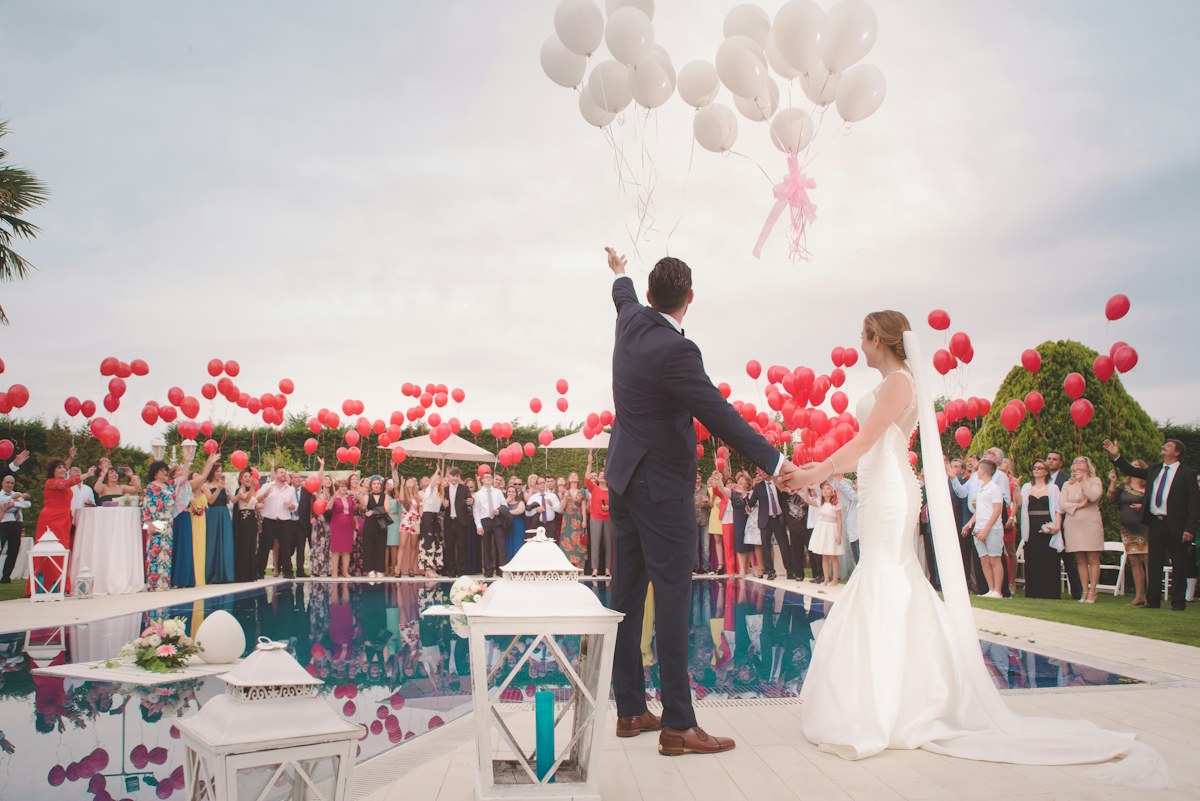
Use one meaningful portrait, a generous headline, and restrained copy. This approach works well when the image sets the tone and the date remains visible without scrolling.
Lead with your names, date, city, and RSVP. A quieter layout is useful for large guest lists, short timelines, and anyone who values quick answers over a long story.
Give travel and the multi-day schedule more space. Use distinct sections for arrival, accommodation, dress, and each gathering so guests can plan with confidence.
The strongest wedding website examples feel coherent because the information has a deliberate order. Guests understand the celebration first, then find exactly what they need to attend.
Start with a visual layout, replace the wording and photography, check the mobile preview, and publish on a free OnlyPage subdomain. When plans change, edit the same page rather than sending guests a new address.
See what free publishing includesAlready using a wedding RSVP form or planning tool? Link it from a clear button and state the response deadline beside it. OnlyPage keeps the public details in one place without pretending to replace guest-list, meal-choice, or seating management.
Planning a different kind of gathering? Explore the event website builder
Yes. You can build and publish a one-page wedding website on a free OnlyPage subdomain. Add your own photos, event details, links, and search settings without starting with code.
You can place a prominent RSVP button on your page and link it to the form or guest-response tool you already use. OnlyPage is the public wedding website, not a dedicated guest-list management system.
For many weddings, yes. A single well-organized page can hold the welcome, date, venue, schedule, travel notes, dress code, registry links, FAQs, and RSVP action without making guests search through a menu.
OnlyPage includes domain settings for each site. You can begin on a free OnlyPage subdomain and follow the provided DNS and verification instructions for a domain you own.
Publish once the date and venue are reliable enough to share, then add travel, schedule, registry, and RSVP details as they are confirmed. Guests should never have to wait for every detail before finding the essential information.
No. Treat the page as public unless you have separately controlled access. Avoid publishing home addresses, phone lists, guest names, or other private details that are not necessary for the celebration.
Start with an editable layout, add the photographs and plans that are yours, and share one reliable link with your guests.